How to change/update your personal details
| 1 | Make sure you have signed in. |
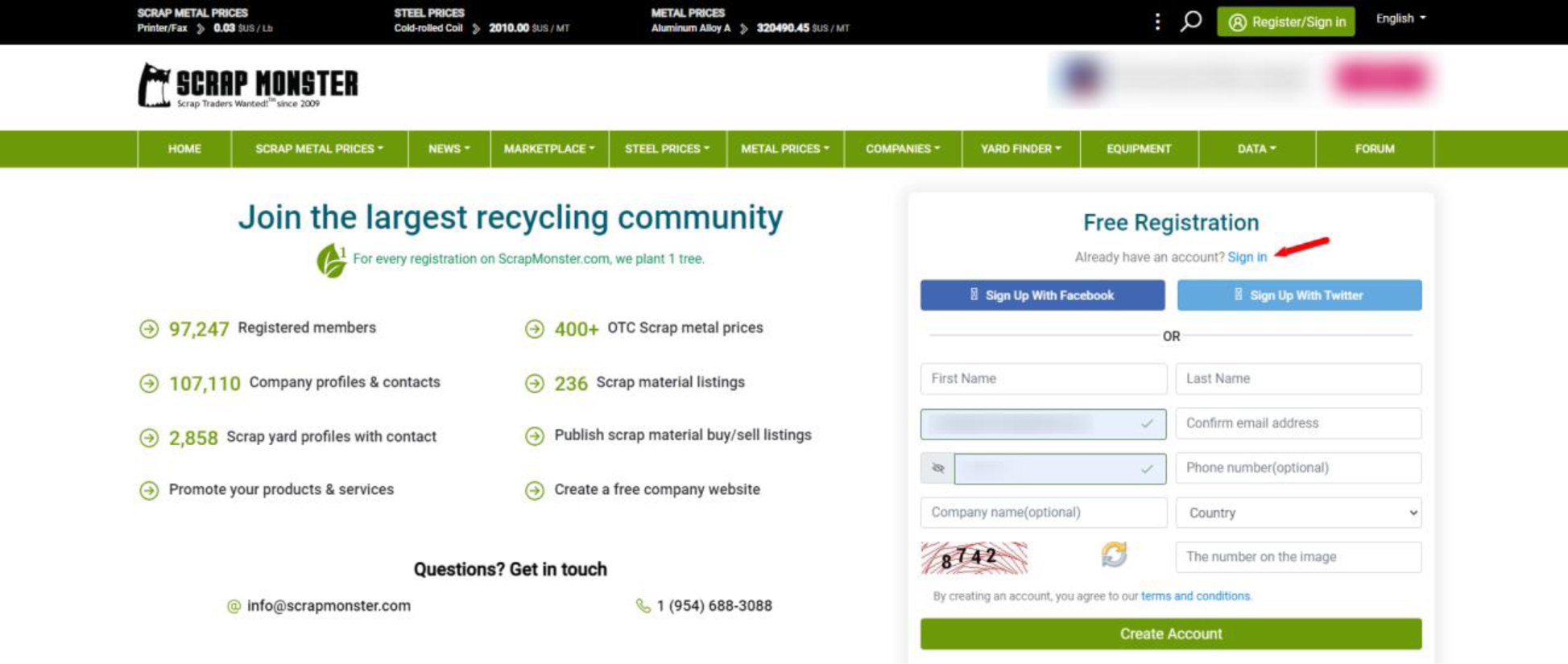 | |
| 2 | Go to your dashboard. |
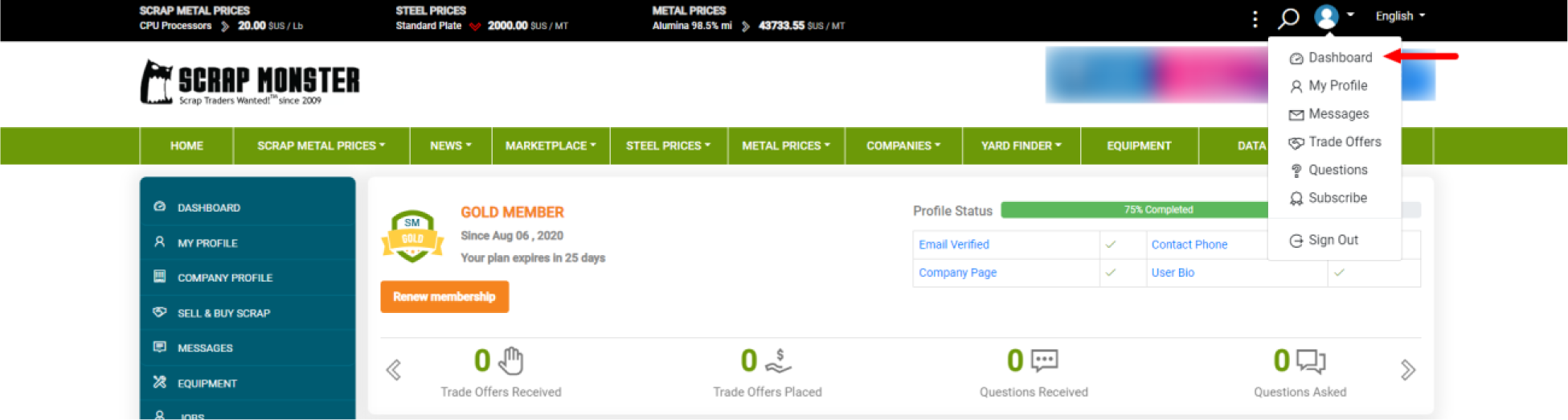 | |
| 3 | Go to the "My Profile" dropdown menu and click "Profile Details". |
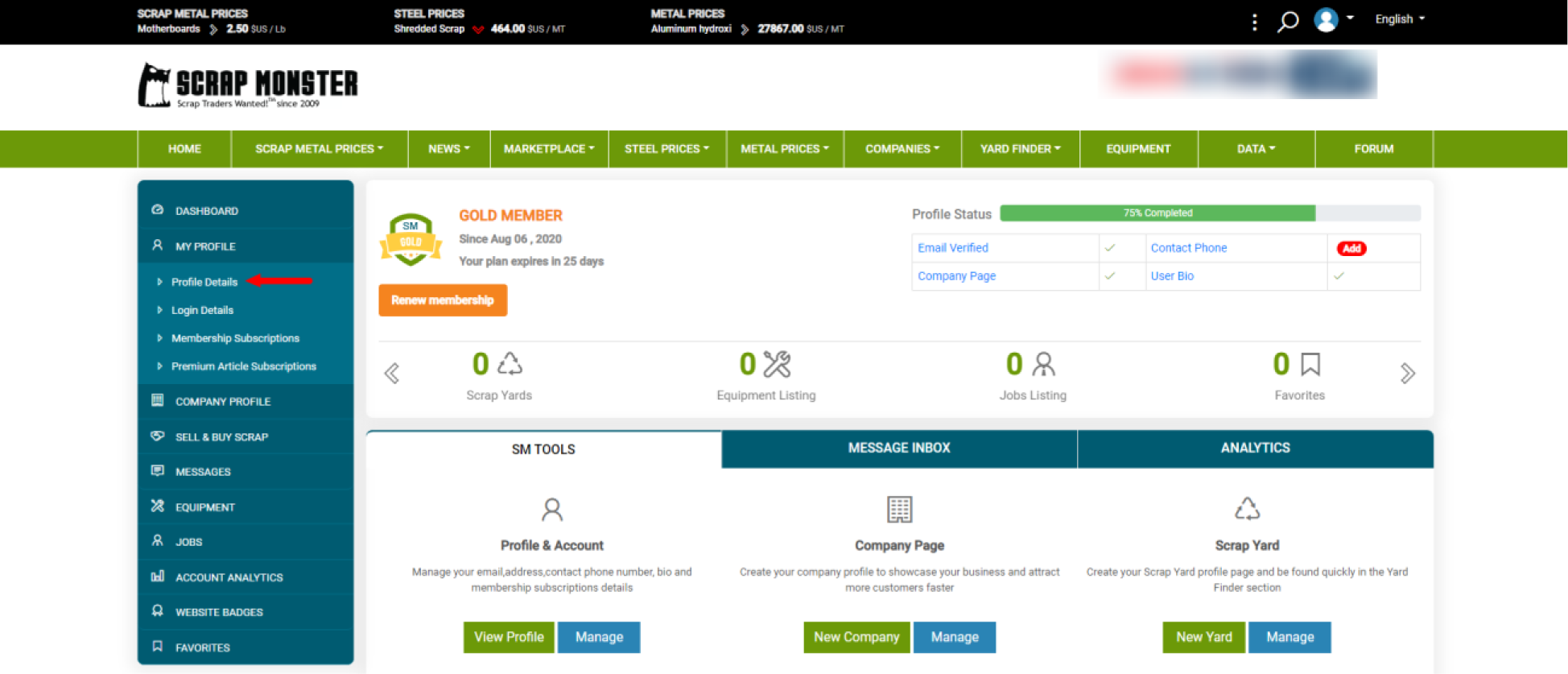 | |
| 4 | Here you will see several pages of your personal information that you can update or change |
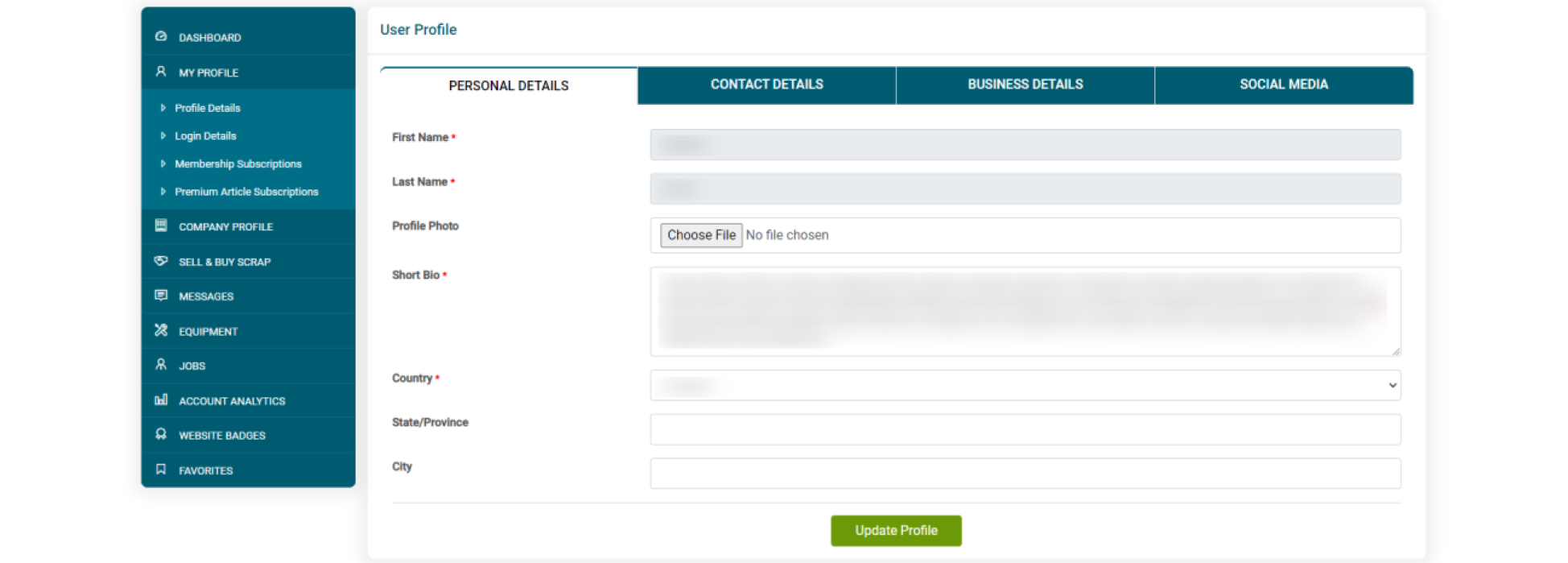 | |
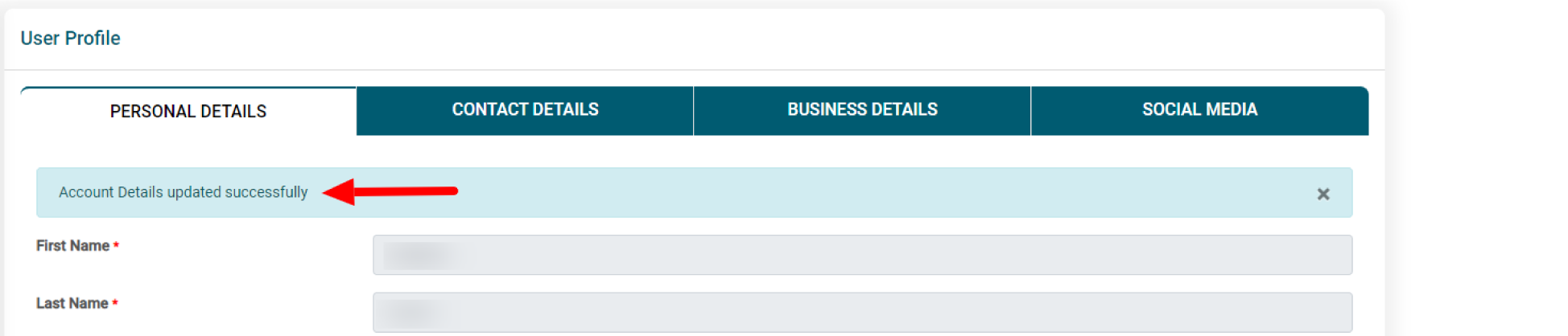
| 5 | Once updating your information, click "Update Profile". You should get this message to confirm that it worked |
 |